Your phone setup for the Camino

Your phone setup for the Camino matters more than most packing guides admit. Here's what actually works.
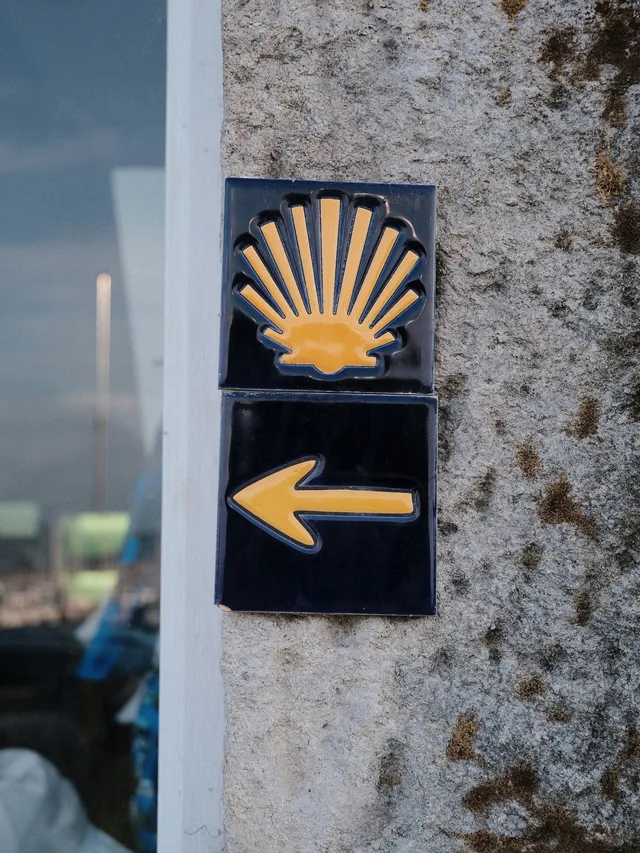
The yellow arrows mark the way — and for most of the Francés you can probably follow them without any app at all. But arrows disappear in cities, get painted over, or simply send you the wrong way out of a town at 6am when you're half asleep. A navigation app is insurance, not dependence.
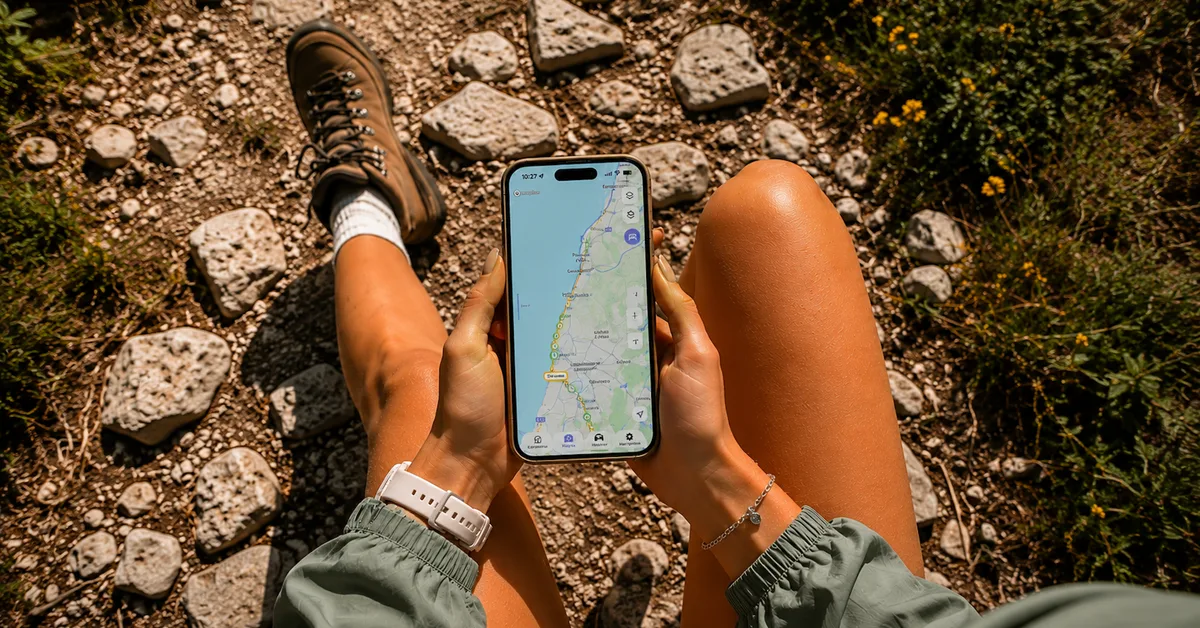
These days there are plenty of Camino apps available, but the most important thing is having offline navigation and accommodation information in one place. Constantly switching between maps, albergue directories, and booking sites gets old surprisingly fast once you're walking 20–30km a day.
Before leaving home, download offline maps for your route. Whether you use Camino.Today or another Camino app, having navigation available without mobile coverage can save a lot of frustration.
Accommodation planning is similar. You don't need to book every night in advance, but knowing what albergues, hostels, and hotels are available ahead on the route makes decision-making much easier, especially during busy periods.
Battery: a 10,000mAh power bank is enough for 2–3 full phone charges and weighs around 200g. Worth every gram. GPS navigation drains battery fast — offline maps and airplane mode use dramatically less power than relying on mobile data all day.
Data: if you're from outside the EU, a local SIM from a Spanish carrier bought at the airport or eSIM is often cheaper than roaming. EU residents: your home plan works across Spain.
#camino #caminodesantiago #caminofrances #pilgrimage #buencamino #caminolife #caminogram #caminotips #pilgrimlife #hikinglife #offlinemaps #traveltech #slowtravel #santiagodecompostela #camino2026 #thecamino #pilgrimsofinstagram #caminostories #caminoadvice #firsttimepilgrim #phonetips #walkyourway #caminospirit #caminotoday